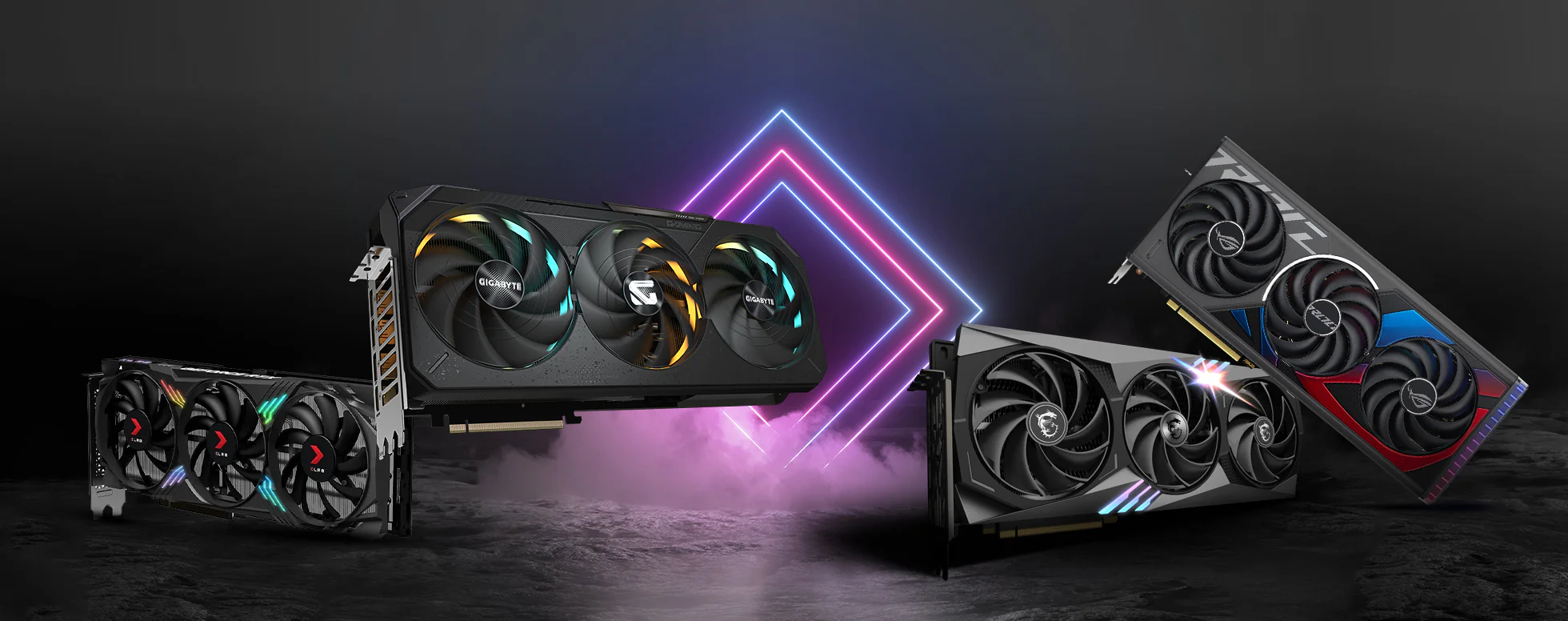
Building your own gaming PC gives you control over every component, from the graphics card to the case fans. In 2026, UK gamers have more choices than ever, with new hardware such as the RTX 50 Series and AMD 9000-Series Ryzen CPUs hitting the market. Whether you decide to assemble everything yourself or use a custom builder service, this guide walks you through the process of creating a gaming PC that fits your budget and performance needs.
Planning Your Build
Before you buy a single component, decide on your budget and the kind of games you want to play. A system aimed at 1080p gaming can be built for a modest outlay, while 4K or high-refresh-rate gaming demands a bigger spend. For example, AWD-IT offers gaming PCs starting at £739.99, while CyberPowerPC UK lists custom builds with RTX 50 Series and AMD 9000-Series from £2,149.20 up to £7,689.60. Setting a clear budget early helps narrow down your component choices and avoids overspending on parts that outpace your monitor or gaming habits.
Choosing Between a DIY Build and a Custom Builder
One of the first decisions is whether to assemble the PC yourself or buy a prebuilt system from a UK retailer. Each approach has its pros and cons.
- DIY build: You handpick every component and put it together. This can save money if you hunt for deals or re-use existing parts. However, it requires time, confidence, and the willingness to troubleshoot any issues.
- Custom builder: Companies such as CyberPowerPC UK, AWD-IT, Stormforce Gaming, Chillblast, Gladiator PC, and Major Custom Computing offer configurators where you select components and they assemble, test, and ship the finished PC. Prebuilt systems typically cost 10–20% more than an equivalent DIY build, covering assembly, testing, a Windows licence, and a warranty.
- Ozi Gaming’s custom builder: For a convenient middle ground, Ozi Gaming UK provides a custom PC builder tool. You choose your own components from their range, and they build and test the system for you. This gives you the freedom of a custom build without needing to handle the assembly yourself.
Modern prebuilt gaming PCs use higher-quality components, better airflow cases, and sensible configurations, so the performance gap with custom builds has narrowed. With the same CPU, GPU, and RAM, game performance is identical; differences only arise from poor airflow, a weak power supply, or imbalanced specs in low-quality prebuilts.
Selecting Your Components (or Using a Configurator)
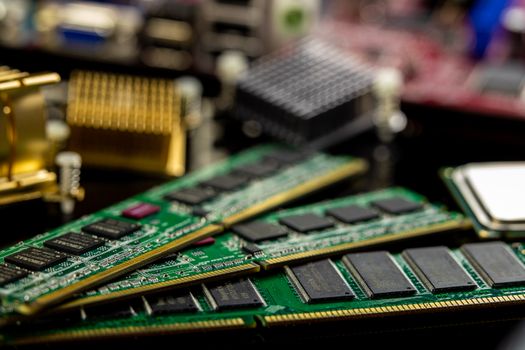
If you choose to build yourself, you need to select a compatible CPU, motherboard, GPU, RAM, storage, power supply, and case. The DIY route demands research on socket types, chipset features, and power requirements. Alternatively, a configurator tool simplifies compatibility checks. Ozi Gaming’s custom PC builder lets you pick components from their catalogue, and the system automatically ensures everything works together. Many UK builders, including Gladiator PC and Major Custom Computing, offer similar tools for both budget and high-end builds.
For 2026, both the RTX 50 Series and AMD 9000-Series Ryzen CPUs are available in custom configurators from CyberPowerPC UK and Major Custom Computing. If your budget allows, these provide strong performance for demanding titles. For more modest builds, components like the GTX 1650 (found in Ozi Gaming’s AuraStrike) still deliver capable 1080p performance at a lower cost.
Assembling Your PC (If Going DIY)
Once your components arrive, assembly involves installing the CPU, cooler, RAM, and storage onto the motherboard, fitting the motherboard into the case, connecting the power supply, and finally installing the graphics card and any additional fans. Take your time, follow the manuals, and work in a clean, static-free area. If you prefer to avoid this step entirely, using a custom builder like Ozi Gaming means you skip assembly entirely and receive a fully tested system.
Installing the Operating System and Drivers
Whether you build yourself or buy from a custom builder, the PC needs an operating system. Prebuilt systems usually include a Windows licence as part of the premium over DIY. For DIY builders, you need to purchase a Windows licence separately and install it via USB drive. After installation, download the latest drivers for your graphics card, motherboard chipset, and other components. Most UK custom builders install the OS and drivers before shipping, saving you this step.

Testing and Optimising Your Build
After assembly (or receiving a prebuilt), run stress tests to check stability, monitor temperatures, and ensure all components are recognised. Many UK builders, such as AWD-IT and Stormforce, test every system before dispatch. If you built your own, use benchmarking tools to verify performance and tweak fan curves or overclocking settings if desired. For prebuilt systems, the builder typically applies sensible defaults, but you can still adjust RGB lighting or fan profiles using included software.
Frequently Asked Questions
How much does it cost to build a custom gaming PC in the UK in 2026?
Costs vary widely depending on your desired performance. UK builders offer entry-level systems from around £739.99 (AWD-IT) to £899.99 (Stormforce) and high-end builds reaching £7,689.60 (CyberPowerPC). DIY builds can be 10–20% cheaper than equivalent prebuilts, but that saving depends on finding good component deals and whether you already own any parts.
Is it cheaper to build your own gaming PC or buy a prebuilt one?
DIY is typically 10–20% cheaper for the same performance, but prebuilt systems include assembly, testing, a Windows licence, and a warranty. The exact saving depends on component prices and sales. If you value convenience and peace of mind, a custom builder like Ozi Gaming offers a good balance because you still choose the parts without the assembly hassle.
What warranty do I get with a custom PC from a UK builder?
Warranties vary by company. AWD-IT and Stormforce Gaming both offer a 3-year warranty. Other builders such as CyberPowerPC UK, Chillblast, and Major Custom Computing have their own standard warranties; it is best to check their websites for the latest terms. Ozi Gaming provides warranty details on its product pages, so review those before purchasing.
Can I upgrade a prebuilt gaming PC later?
Yes, most modern prebuilt PCs allow upgrades to the graphics card, RAM, and storage. However, some models may limit upgrades to the motherboard or power supply due to proprietary designs or limited space. Custom builds and fully configurable systems (like those from Ozi Gaming’s builder) give you maximum upgrade freedom because you choose each component from the start.
How long does it take to receive a custom-built PC?
Delivery time depends on the builder’s workload and component availability. Many UK custom builders, such as AWD-IT and Stormforce, construct and test systems within a few business days, with free UK delivery options. Ozi Gaming typically provides estimated delivery dates during the ordering process. For DIY builders, the timeline depends on when you source all components and how long assembly takes.
Building a custom gaming PC in the UK in 2026 offers flexibility, performance control, and the satisfaction of a personalised machine. Whether you choose the DIY path or use a trusted UK builder like Ozi Gaming, the key is to plan your budget, compare your options, and select components that suit your gaming needs. Start by exploring Ozi Gaming’s custom PC builder tool to see how easy it is to design your ideal rig.